Android

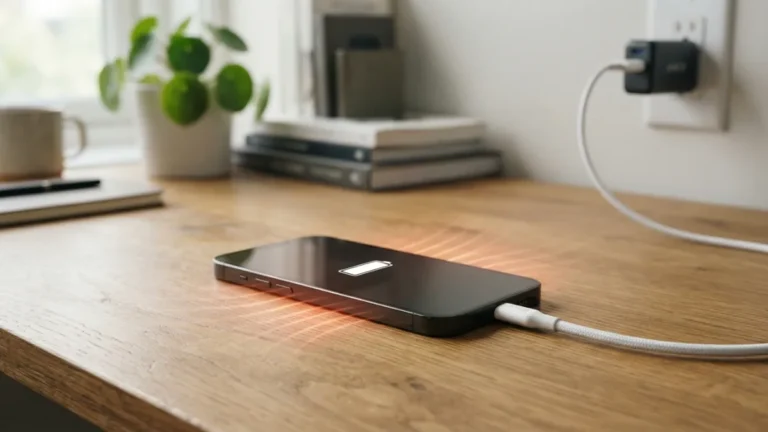
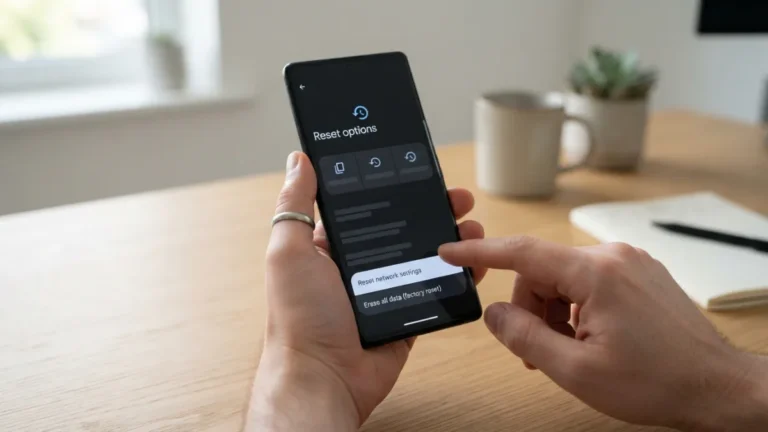
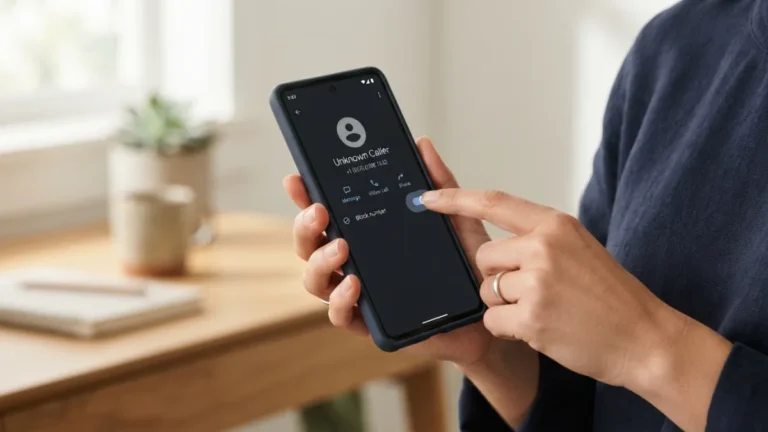
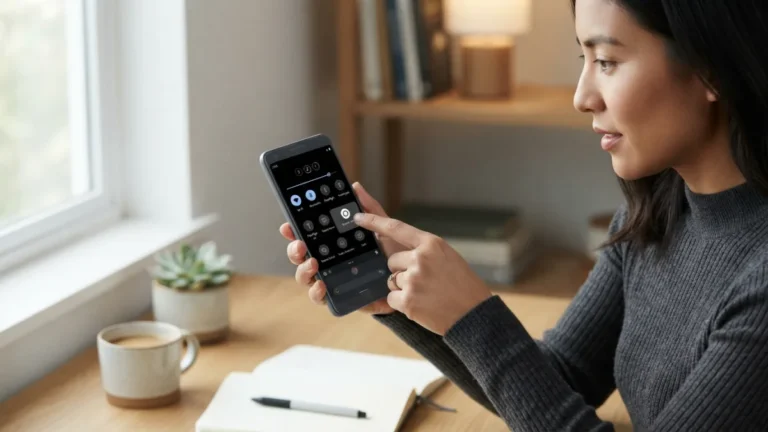
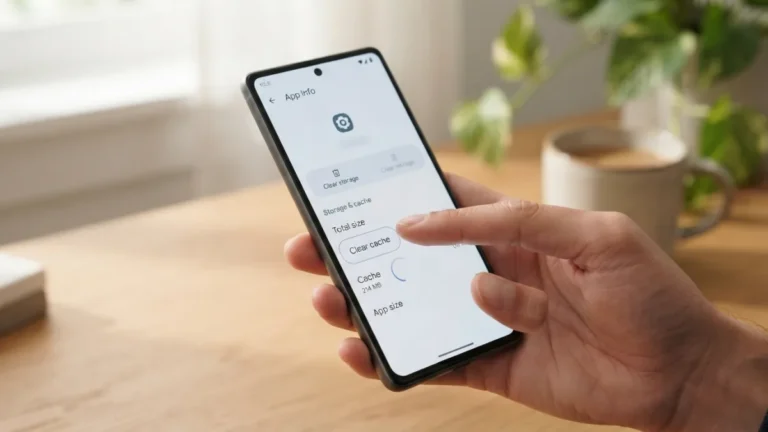
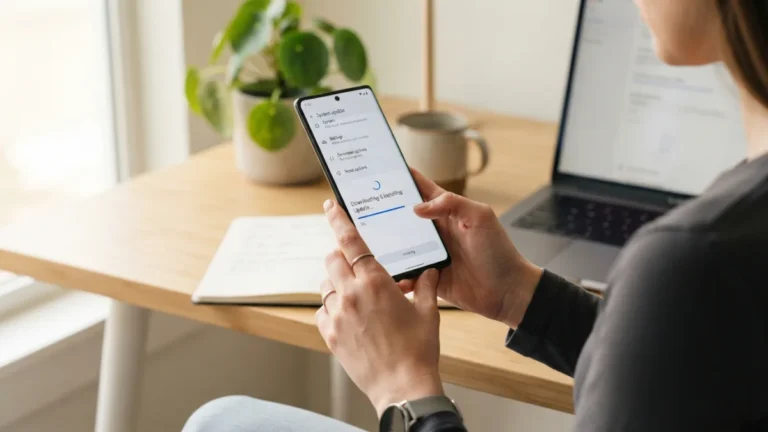
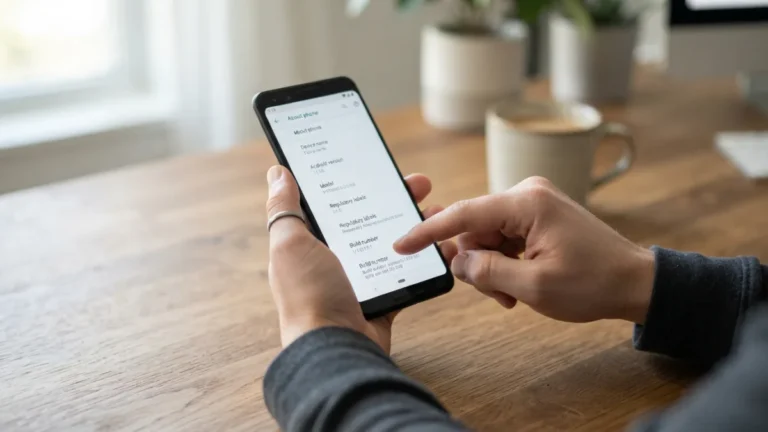
Android phones are flexible, but that flexibility comes with a lot of menus. The guides in this section walk you through the most common Android problems and tasks in plain language, with steps that work on Samsung, Google Pixel, Motorola and most other brands. Menu names can differ slightly between manufacturers and Android versions, so each guide points out where to look if your screen does not match.If something has gone wrong, start with the fixes: Wi-Fi that will not connect, an app that keeps crashing, a phone that gets hot while charging or a full storage warning. For everyday tasks, learn how to take a screenshot, record your screen, move files between Android phones or stop spam calls. Setting up a new device? Our new Android phone guide covers the first steps, and the developer options guide explains the advanced settings safely.