Phone Hot While Charging: 7 Easy Fixes and Safe Habits
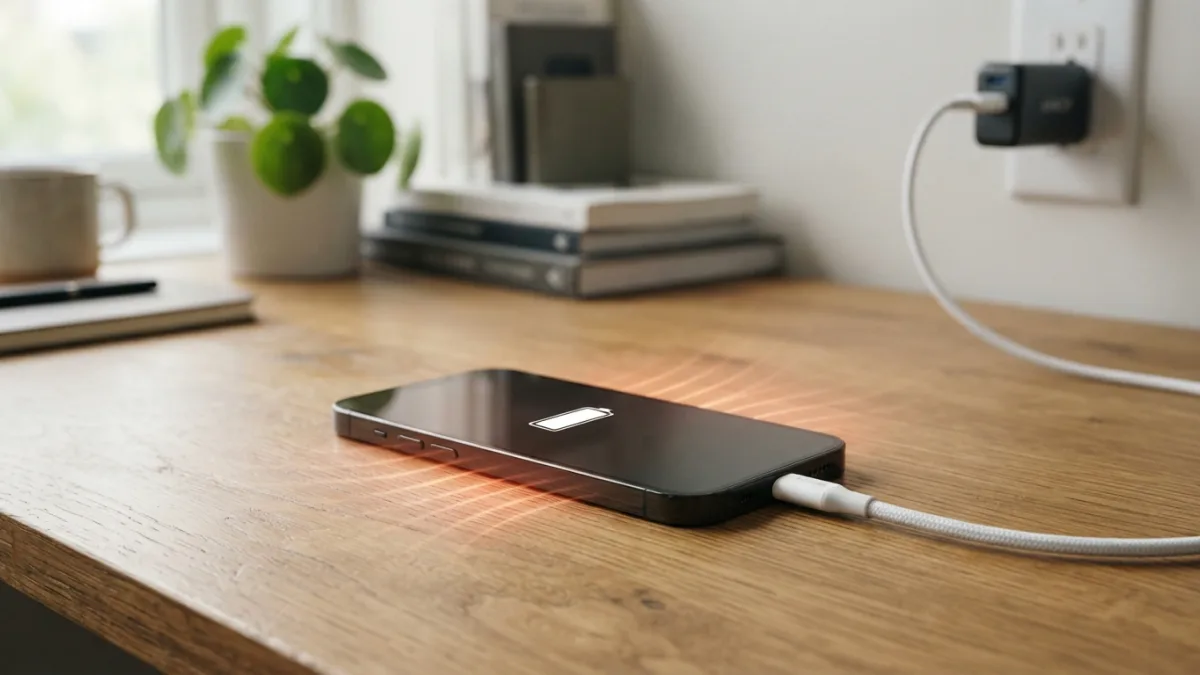
You plug in your phone before bed, pick it up an hour later, and it feels like a warm pancake. A phone hot while charging is one of the most common worries among smartphone owners, and it can feel scary when the back of the device is almost too warm to hold. Most of the time, the heat is a normal side effect of moving energy into a battery. Sometimes, though, it points to a problem with your cable, your habits, or the battery itself. This guide explains what happens inside your device, gives you seven simple fixes to try today, and shows the warning signs that mean you should stop charging and get help. You don’t need technical skills for any of it. You only need a few minutes and a little patience.
Why Is Your Phone Hot While Charging?
Charging is never a perfect process. When power flows from the wall into your battery, some of that energy turns into heat instead of being stored. The charger, the cable, and the phone’s charging chip all lose a little energy this way. Your lithium-ion battery also warms up as it takes in power. Add the screen, the processor, and the mobile signal, and the temperature climbs even faster. That is why a phone hot while charging often shows up when you are also streaming video, playing games, or using GPS. A warm phone is usually fine. Heat becomes a problem when the phone is too hot to hold comfortably, when it shows a temperature warning, or when it keeps happening even with light use. Over time, high heat can wear a battery out faster, so it pays to keep it in check. If you run into related issues on your phone, our step-by-step guide on how to stop Annoying Ads and Pop-Ups on Android walks through the safest fixes.
7 Easy Fixes for a Phone Hot While Charging
Start at the top of this list and work down. Often the first or second fix solves the problem, and none of them costs much. Each one targets a different cause, so try them one at a time to learn what helps your phone.
1. Replace a Damaged Charging Cable
A damaged charging cable can create heat in places you can’t easily see. Check both ends of the cable and the length between them. Bent connectors, frayed coating, exposed wire, or a loose fit in the port are all red flags. A worn cable resists the flow of power, and that resistance turns into heat, often near the plug. Use the cable that came with your phone, or one from a trusted brand that follows your phone maker’s standards. Cheap no-name chargers may lack important safety features, so they are a poor place to save money. Also check the charging port for lint, because pocket dust can block a good connection. With the phone turned off, clean it gently with a wooden toothpick or a soft brush. If the cable feels hot at the plug, stop using it and replace it.
2. Avoid Charging With Phone Case On
A thick case works like a blanket. Rubbery, leather, or wallet-style cases trap warmth, so the heat from the battery has less room to escape. Cases with metal plates or magnets can make things worse. Slide the case off before you plug in, especially for a long charge. It takes five seconds. Place the phone on a hard, flat surface such as a table, not on a bed, sofa, or pillow, because soft surfaces block airflow just like a case does. Thin plastic cases usually cause fewer problems than bulky ones. If your phone stays noticeably cooler without its case, you have found your answer, and you can decide whether the protection is worth the trade-off during charging.
3. Rein In Background Apps Battery Drain
Heat often starts with your apps, not your charger. Some apps keep refreshing, tracking your location, or syncing data while you think the phone is idle. Every task wakes up the processor, and a busy processor makes heat while the battery is also taking in power. Open your battery settings and look at which apps use the most energy. Close or delete the ones you don’t need, switch off background refresh for the rest, and turn off location access for apps that don’t truly require it. Restart the phone once in a while to clear stuck processes. Install updates too, since developers often fix bugs that make apps run nonstop. Try a simple test: charge with the screen off and nothing running. If the phone stays cool, apps were the culprit.
4. Watch the Fast Charging Temperature
Fast charging pushes a lot of power into the battery in a short time, so some warmth is expected, especially during the first part of a charge. Many phones slow down on their own when they get too warm, which is a built-in safety step. You can help by switching to a standard charger, or by turning off fast charging in the battery settings if your phone offers that option. A slower charge works well when you aren’t in a hurry, such as at your desk or overnight. Avoid heavy tasks while the phone charges quickly. A phone hot while charging in direct sun or on a soft surface will struggle even more, so keep it in a shaded, open spot. Use a charger that matches your phone’s specifications. While you are adjusting these settings, it is also worth learning how to clear Cache on Android to keep everything running smoothly.
5. Tame Wireless Charging Heat
Wireless charging heat is usually higher than the heat from a cable, because more energy is lost on the way from the pad to the phone. That lost energy turns into warmth in both the pad and the phone. Poor alignment makes it worse, since the charger has to work harder to keep the connection. Center the phone on the pad, remove thick cases and metal extras, such as card holders or magnetic rings, and choose a pad from a reputable brand. If the phone still runs warm, use a cable for long charges and keep the pad for short top-ups on your desk. Never cover the phone or the pad with a pillow or blanket. A simple rule works well: if the pad itself feels hot, stop and let everything rest.
6. How to Cool Down Phone Fast (Without the Freezer)
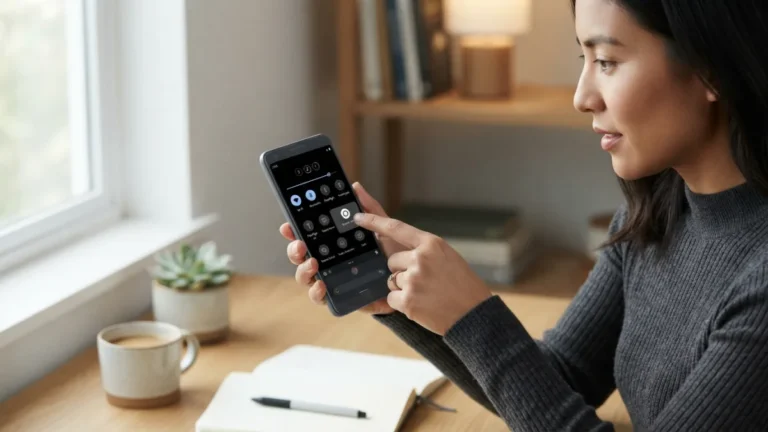
If your phone is already hot, act quickly but gently. To cool down phone fast, unplug the charger, take off the case, and close your apps. Move the phone into a shaded, cool room and set it on a hard surface. Turning it off helps even more. If you can’t power it down, switch on airplane mode, because searching for a signal creates extra heat. Don’t put the phone in a fridge or freezer. A sudden temperature drop can cause condensation inside the device, and extreme cold can also harm the battery. Keep it away from direct sunlight and hot cars. Wait until it feels normal to the touch before you plug it in again. If it overheats again within minutes, check the warning signs later in this article.
7. Improve Overnight Charging Safety
Good overnight charging safety starts with where you charge, not only how long. Put the phone on a hard, open surface, away from bedding, curtains, and anything that can burn. Don’t sleep with it under your pillow. Many phones now include a smart or adaptive charging option that holds the battery at a lower level and finishes just before you wake up. That cuts the time the battery spends full and warm, so look for it in your battery settings. Use a certified charger and cable. If you find a phone hot while charging at night, unplug it and look for the cause before the next charge. Prefer to keep an eye on things? Charge in the evening while you are still awake.
When a Phone Hot While Charging Signals Real Danger
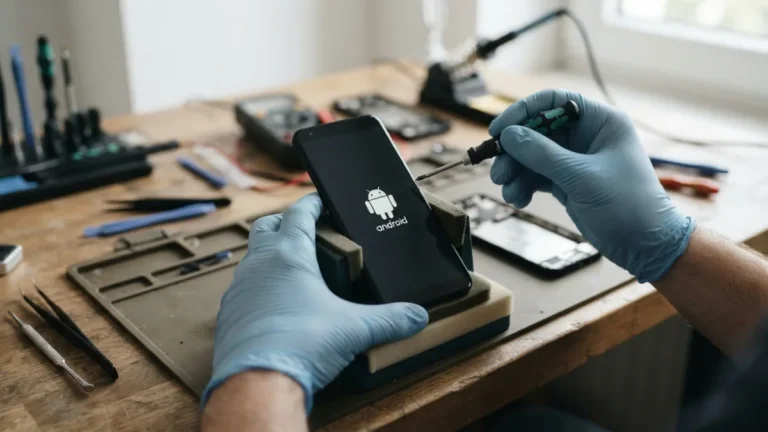
Battery swelling signs are among the clearest warnings that a battery is failing. Look for a screen lifting from the frame, a bulging back panel, gaps along the edges, or a phone that no longer sits flat on a table. Other red flags include a burning or chemical smell, hissing sounds, smoke, leaking liquid, a charge that drains very fast, and a device that stays too hot to touch even after you unplug it. A damaged lithium-ion battery can lead to thermal runaway, a chain reaction of heat that is hard to stop. If you see any of these signs, unplug the phone, turn it off, move it away from flammable items, and stop using it. Contact the maker or a certified repair shop. Never press, puncture, or open a swollen battery. In the United States, the Consumer Product Safety Commission lets you look up safety information and report unsafe products.
Small Habits, Cooler Charging
A phone hot while charging is rarely a mystery once you know where heat comes from. Good cables, a bare phone on a hard surface, fewer busy apps, and a slower charger solve most cases. Treat warmth as normal and heat as a signal. If your phone is warm, keep going. If it is too hot to hold, unplug it, let it rest, and change one habit at a time. Pay attention to the warning signs, because a swollen battery or a burning smell needs action right away, not another charging attempt. Your phone’s battery is a part you can replace, and a repair is far cheaper than a safety scare. A few careful habits now will keep your phone cooler, your battery healthier, and your nights a lot calmer. For another practical way to keep your Android device in great shape, see our walkthrough on how to fix an Android Phone That Won’t Turn On.
FAQ: Phone Hot While Charging
Is it normal for a phone to get warm while charging?
Yes. Some warmth comes from the energy lost during charging, and it is normal, especially with fast or wireless charging. A phone that feels pleasantly warm is usually fine. A phone that is too hot to hold is not.
How do I know if my phone is too hot?
Your phone may show a temperature warning, slow down, dim the screen, or stop charging on its own. If you can’t hold it comfortably, or it stays hot after you unplug it, treat it as too hot.
Can a hot phone catch fire or explode?
Serious failures are rare, but they can happen, usually with a damaged battery, a faulty charger, or a swollen cell. Stop using a phone that smells burnt, smokes, or bulges, and contact the manufacturer or a repair shop.
Does fast charging damage my battery?
Fast charging is designed to be safe when you use the right charger. Heat is the main enemy of battery health, so slower charging can help if your phone often runs hot.
Is it safe to use my phone while it charges?
Light use, such as texting or reading, is usually fine. Gaming, video calls, and navigation add heat while the battery is also warming, so avoid them if your phone already feels hot.