
iOS

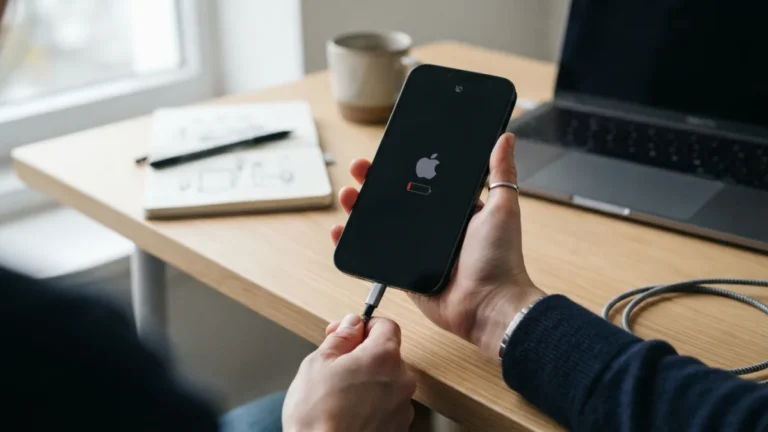
The iPhone is easy to use until something stops working. This section gathers clear, step-by-step iPhone guides for beginners and anyone who just wants a quick answer. Each guide explains what to tap, what you should see, and what to try next if the first fix does not work. Steps are written for recent versions of iOS; if your menus look different, check which version you have in Settings > General > About.Common fixes include an iPhone that won’t turn on, one stuck on the Apple logo, a battery that drains too fast, charging problems and Wi-Fi problems. To protect your data, see how to back up your iPhone, transfer photos to a computer or fix problems without losing data. Tired of nuisance calls? Learn to stop spam calls on iPhone and silence unknown callers.