
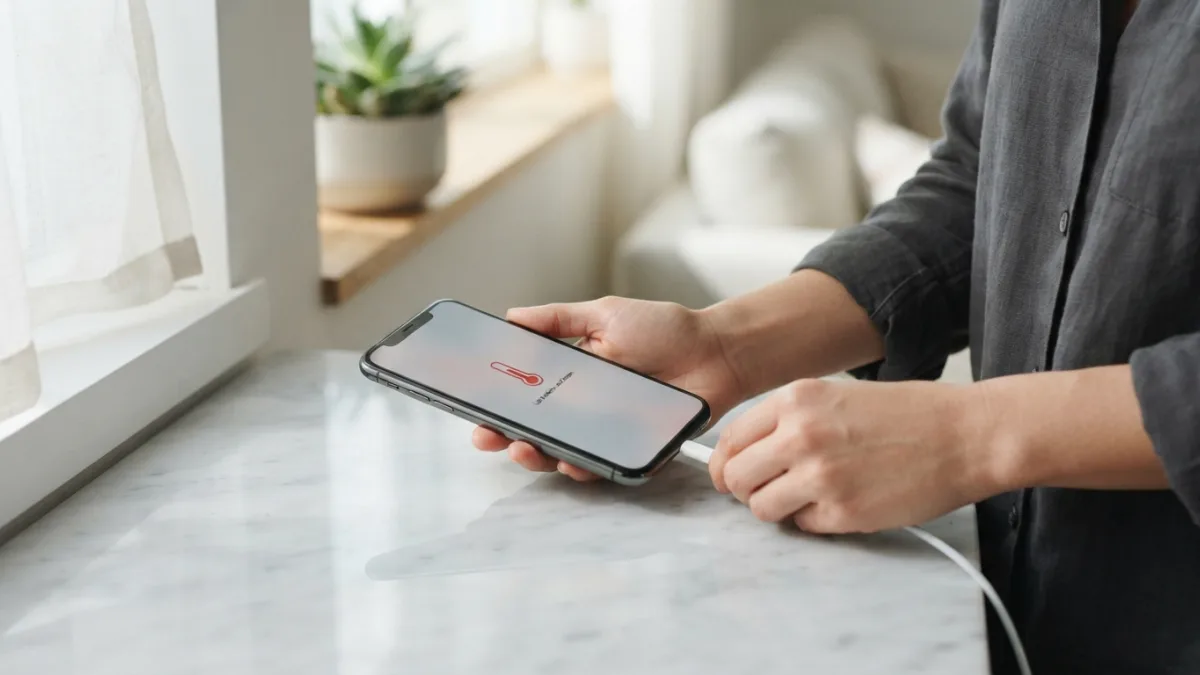
How to Fix an iPhone That Keeps Overheating
Your iPhone keeps overheating right when you need it most — during a video call, a workout, or a long drive with Maps guiding you. That warm, almost hot sensation in your hand isn’t just uncomfortable; it’s your phone’s way of telling you something needs attention. The good news is that overheating is usually fixable with a few quick changes, not a trip to the repair shop. Before you panic or assume your phone is dying, it helps to understand why this happens and what you can do about it right away.
Why Does Your iPhone Keep Overheating?
Before jumping into fixes, it helps to understand the usual iPhone overheating causes. Direct sunlight, running graphics-heavy apps for too long, using multiple apps at once, and charging while gaming are among the most common triggers. Software bugs after a recent update can also make the processor work harder than it should, generating extra heat. Apple itself notes that its devices are designed to work best within a specific temperature range, and operating outside that range can trigger performance changes, as explained on Apple’s support page about operating temperatures. Once you know the likely cause, fixing the problem becomes a lot more straightforward, and you can move through the following seven steps in order of how quick and effective they tend to be. If you want to dig deeper, our guide on How to Fix an iPhone That Won't Charge covers this in more detail. This is a common part of dealing with iphone keeps overheating, and it is worth keeping in mind.
Fix 1: Take Off the Case and Cool Down Your iPhone
Phone cases trap heat, especially thick ones designed for extra protection or those made from materials that don’t breathe well. If your iPhone feels hot, the fastest way to cool down your iPhone is to remove the case immediately and set the phone somewhere with good airflow, away from direct sunlight. Avoid the temptation to put it in a freezer or fridge, since sudden temperature swings can cause condensation inside the device and damage internal components. Instead, place it on a flat, cool surface like a wooden table or countertop for ten to fifteen minutes. You’ll often notice the warning message disappear and normal function return once the phone has had a chance to release built-up heat naturally. Many people run into this exact issue with iphone keeps overheating at some point.
Fix 2: Close Background Apps and Reduce Screen Brightness
Apps running in the background, especially ones using GPS, camera, or streaming features, keep your processor active even when you’re not actively using them. Double-click the side button area or swipe up and hold to view open apps, then swipe away anything you’re not currently using. Screen brightness also plays a bigger role than most people realize, since a bright display constantly draws power and generates heat. Lowering brightness, turning on Auto-Brightness, or switching to Dark Mode can ease the load significantly. These small adjustments won’t fix a serious hardware issue, but they often resolve everyday warmth caused by everyday multitasking, and they’re worth trying first because they take less than a minute. Keeping iphone keeps overheating in mind here will save you time later on.
Fix 3: Update iOS and Check for Buggy Apps
Sometimes an iPhone keeps overheating simply because of a software glitch rather than anything physical. Apple regularly releases updates that fix bugs causing excessive battery drain or processor strain, so head to Settings, then General, then Software Update, and install anything available. It’s also worth checking which individual apps are consuming the most battery by going to Settings, then Battery, and reviewing the list. If one app stands out as using far more power than expected, try updating it, or deleting and reinstalling it if updates don’t help. Poorly optimized third-party apps are a surprisingly common culprit, and removing the worst offender often solves the issue completely without needing any other troubleshooting. This connects closely with another common issue — see How to Fix an iPhone That Won't Turn On for more on that. This detail matters more than it seems once iphone keeps overheating comes up again.
Fix 4: Stop Charging Your Phone While Using Demanding Apps
Iphone charging overheating is one of the most frequent complaints, and it usually comes down to using the phone heavily while it’s plugged in. Gaming, navigation, or video streaming while charging forces the battery to both receive and output power simultaneously, which generates noticeably more heat than either activity alone. If you notice your phone getting hot near the charging port, unplug it and let the current session finish before reconnecting. Using a certified Lightning or USB-C cable and a genuine or MFi-certified charger also matters, since cheap third-party accessories can deliver inconsistent power. Charging in a cool room rather than under direct sun or on a soft surface like a bed also reduces heat buildup considerably. It is one of those small things that makes iphone keeps overheating easier to manage overall.
Fix 5: Turn Off Location Services and Background App Refresh
Constant GPS tracking is one of the more overlooked iphone overheating causes, particularly for apps like navigation, fitness trackers, or delivery services running continuously in the background. Go to Settings, then Privacy and Security, then Location Services, and set apps to “While Using” instead of “Always” where possible. Background App Refresh is another quiet drain, letting apps update content even when closed, so consider turning it off entirely or limiting it to essential apps only under Settings, then General. These two settings alone can meaningfully reduce how hard your processor works throughout the day. Many users notice a real difference in warmth and battery performance within just a few hours of adjusting them. This is a common part of dealing with iphone keeps overheating, and it is worth keeping in mind.
Fix 6: Check Your iPhone Battery Health
An aging or degraded battery struggles to deliver power efficiently, which can cause excess heat even during normal use. Check your iphone battery health by going to Settings, then Battery, then Battery Health & Charging, where Apple shows your battery’s maximum capacity compared to when it was new. According to Apple’s official guidance on battery health and performance, a capacity below 80 percent is a sign the battery is wearing down and may need replacing. Lithium-ion batteries, the type used in every iPhone, naturally lose some capacity over hundreds of charge cycles, a process explained in more technical detail on the Wikipedia page on lithium-ion batteries. If your battery health is significantly degraded, replacement often resolves overheating for good. You might also find our article on iPhone Battery Dying Too Fast? Try These Simple Fixes helpful here. Many people run into this exact issue with iphone keeps overheating at some point.
Fix 7: Reset Settings or Restore Your iPhone
If none of the earlier steps work, a deeper reset might be necessary. Start with Settings, then General, then Transfer or Reset iPhone, then choose “Reset All Settings,” which clears customized preferences without deleting your photos, messages, or apps. If overheating continues, back up your device through iCloud or your computer, then perform a full restore as new through Settings or Finder. This wipes out any hidden software conflicts or corrupted files that basic troubleshooting can’t reach. While this step takes more time and effort than the others, it resolves stubborn overheating issues in the vast majority of cases where the phone itself isn’t physically damaged, giving you a genuinely fresh start. Keeping iphone keeps overheating in mind here will save you time later on.
When an iPhone Temperature Warning Means a Bigger Problem
Occasionally overheating points to something beyond software or daily habits. If your iPhone shows a full-screen iphone temperature warning even in mild conditions, shuts down repeatedly, or feels hot without heavy use, physical damage, water exposure, or a failing battery could be responsible. A phone that overheats consistently at rest, especially one that’s been dropped or exposed to liquid, may have an internal short or swollen battery, which poses a genuine safety risk and shouldn’t be ignored. In these cases, stop using the device, avoid charging it further, and contact Apple Support or visit an authorized service provider promptly rather than continuing to troubleshoot at home. This detail matters more than it seems once iphone keeps overheating comes up again.
Most of the time, though, an overheating iPhone is a simple fix rather than a sign of serious damage. Working through these seven steps in order, starting with the easiest changes and moving toward deeper resets, resolves the vast majority of cases without any professional help. Paying attention to charging habits, background apps, and battery health going forward can also prevent the problem from returning. A little regular maintenance goes a long way toward keeping your phone running cool, comfortable, and reliable for everyday use. For a related walkthrough, check out How to Fix an iPhone Stuck on the Apple Logo. It is one of those small things that makes iphone keeps overheating easier to manage overall.
Frequently Asked Questions
Why does my iPhone keep overheating even when I’m not using it much?
Background apps, location tracking, and pending software updates can all keep your processor active behind the scenes, generating heat even during light use. Checking Battery usage in Settings usually reveals the specific cause. This is a common part of dealing with iphone keeps overheating, and it is worth keeping in mind.
Is it safe to keep using my iPhone if it feels hot?
Brief warmth from gaming or charging is normal, but if your phone displays a temperature warning screen or stays hot without heavy use, it’s best to let it cool down before continuing and to investigate further if the pattern repeats. Many people run into this exact issue with iphone keeps overheating at some point.
Can direct sunlight really cause my iPhone to overheat?
Yes. Leaving your phone on a car dashboard, at the beach, or near a sunny window is one of the most common and easily avoidable causes of overheating. Keeping iphone keeps overheating in mind here will save you time later on.
Does overheating damage iPhone battery health permanently?
Repeated exposure to high temperatures can accelerate battery degradation over time, which is why Apple recommends keeping devices within their recommended operating temperature range whenever possible. This detail matters more than it seems once iphone keeps overheating comes up again.
Should I turn off my iPhone if it overheats while charging?
Yes, unplugging the device and letting it rest in a cool spot is the safest immediate response, especially if the area near the charging port feels unusually hot. It is one of those small things that makes iphone keeps overheating easier to manage overall.





One Comment
Comments are closed.