

What Is Linux and Should You Try It? A Simple Explanation
Ever wondered what powers the servers behind your favorite websites, the software running on that old laptop your tech-savvy friend swears by, or even the operating system inside your Android phone? Chances are, the answer is Linux. So what is Linux, really, and why does it keep coming up in conversations about technology, privacy, and computer freedom? In simple terms, Linux is a free and open source operating system that anyone can use, modify, and share. It sits quietly behind a huge chunk of the internet, yet most casual computer users have never touched it directly. This article breaks down what Linux actually is, how it compares to Windows and Mac, and whether it’s worth trying for yourself.
What Is Linux, Exactly?
At its core, an operating system is the software that manages your computer’s hardware and lets other programs run. Windows and macOS are the two most familiar examples, but Linux is a third major player that works a bit differently. Instead of being owned by one company, Linux was built through collaboration and is distributed under an open license, meaning the underlying code is publicly available for anyone to inspect or change. This openness is the heart of what is Linux all about. It’s not a single product but more of a foundation, a kernel, that developers around the world use to build complete operating systems tailored to different needs, from powering smartphones to running massive data centers. If you want to dig deeper, our guide on How to Fix Sound Not Working on Windows covers this in more detail. This is a common part of dealing with what is linux, and it is worth keeping in mind.
A Quick Look at Where Linux Came From
Linux traces back to 1991, when a Finnish student named Linus Torvalds created a small kernel as a personal project and shared it online, inviting others to improve it. What started as a hobby snowballed into one of the most significant achievements in computing history. Thousands of programmers, companies, and volunteers have since contributed code, turning that early project into a robust system trusted by governments, universities, and tech giants. Today, Linux runs on everything from tiny smart devices to the world’s fastest supercomputers. Its growth wasn’t driven by marketing budgets or corporate strategy, but by a global community that believed software should be shared freely and improved collectively rather than locked behind a paywall. Many people run into this exact issue with what is linux at some point.
Windows vs Linux: What’s the Real Difference?
When people compare Windows vs Linux, they’re really comparing two very different philosophies. Windows is developed by Microsoft, sold as a finished product, and designed to work smoothly with minimal setup. Linux, on the other hand, is open source software that gives users far more control over how their system looks, behaves, and runs. You can customize almost everything, from the visual interface to which background processes are active. Windows tends to have broader compatibility with mainstream games and commercial software, while Linux is often praised for stability, security, and being lighter on system resources. Neither one is objectively better for everyone; it really depends on what you value most in your daily computer use. Keeping what is linux in mind here will save you time later on.
Understanding Linux Distributions
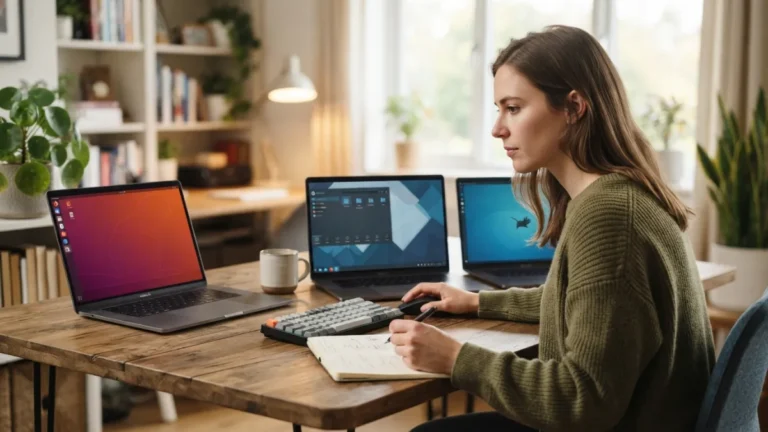
One thing that confuses newcomers is the sheer number of Linux distributions available. Since the Linux kernel is free to use, different teams have packaged it together with their own tools, apps, and design choices, creating what are called distributions, or “distros” for short. Some are built for absolute beginners with a clean, familiar interface, while others are aimed at developers, security researchers, or people who want to breathe new life into old hardware. Choosing a distribution can feel overwhelming at first, but most beginners find that a handful of well-supported options cover nearly everything they’d want to do, from browsing the web to editing documents and streaming media. This connects closely with another common issue — see How to Fix Bluetooth Not Working on Windows for more on that. This detail matters more than it seems once what is linux comes up again.
Popular Linux Distributions for Beginners
Here’s a quick comparison of some of the most beginner-friendly options people typically recommend when they’re just starting out: It is one of those small things that makes what is linux easier to manage overall.
| Distribution | Best For | Notable Feature |
|---|---|---|
| Ubuntu | General beginners | Large community support and easy installation |
| Linux Mint | Former Windows users | Familiar desktop layout and menu style |
| Zorin OS | Design-conscious users | Polished interface that resembles Windows or macOS |
| Fedora | Users who want newer software | Frequent updates and cutting-edge tools |
Why Open Source Software Matters
Open source software is a big reason Linux has such a loyal following. Because the code is public, anyone with the right skills can review it, fix bugs, or suggest improvements, which often leads to faster security patches and fewer hidden surprises. There’s no single corporation deciding what features you get or quietly collecting your data for profit. This transparency appeals to people who care about privacy and want to understand exactly what’s running on their machine. It also means the software is usually free of cost, which matters a lot for schools, nonprofits, and anyone trying to stretch their budget without sacrificing functionality or performance. This is a common part of dealing with what is linux, and it is worth keeping in mind.
Is Linux Good for Beginners?
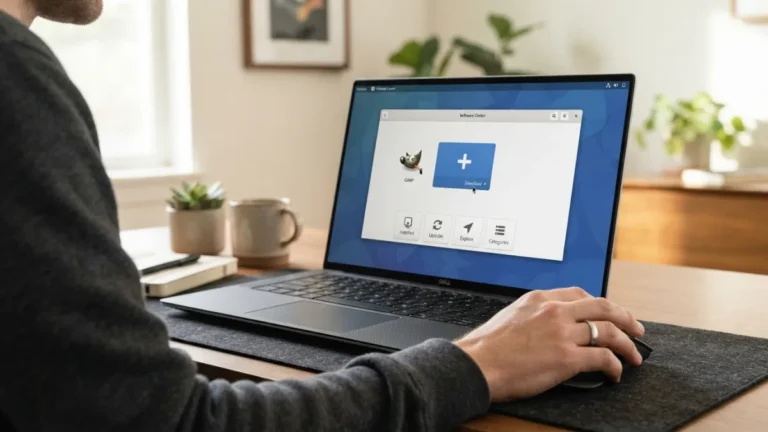
Linux for beginners has come a long way from its reputation as something only programmers could handle. Modern distributions now offer graphical installers, app stores, and support communities that walk you through nearly every step. You don’t need to type complicated commands just to check your email or watch a video anymore. That said, there’s still a learning curve if you’re used to Windows or macOS, since menus, settings, and file organization work a little differently. Most people who give it an honest try for a couple of weeks find themselves adjusting faster than expected, especially if they start with a distribution specifically designed with newcomers in mind. You might also find our article on How to Set Up a New Windows Computer Step by Step helpful here. Many people run into this exact issue with what is linux at some point.
Reasons You Might Want to Try Linux
There are several practical reasons people decide to give Linux a shot, and they usually fall into a few common categories: Keeping what is linux in mind here will save you time later on.
- You want more privacy and control over your personal data.
- Your computer feels sluggish on Windows, and Linux tends to run lighter.
- You’re curious about programming or IT and want hands-on experience.
- You’d rather not pay for a new operating system license.
- You like the idea of supporting open source software instead of large corporations.
Even if only one of these points resonates with you, it might be worth setting aside an afternoon to explore what Linux has to offer, especially since many distributions let you test them without changing your current setup permanently. This detail matters more than it seems once what is linux comes up again.
Things to Consider Before You Switch
Before jumping in, it helps to be realistic about a few limitations. Certain popular games and specialized professional software, like some Adobe products, don’t have official Linux versions, though workarounds exist for many of them. Hardware compatibility has improved dramatically, but the occasional printer or graphics card may need extra troubleshooting. If you rely heavily on a specific Windows-only program for work, it’s smart to check compatibility before fully committing. On the plus side, you don’t have to choose one or the other permanently. Many people run Linux alongside Windows using dual-boot setups, or simply try it out on a spare laptop first to see how it feels in daily use. For a related walkthrough, check out How to Fix a Windows Computer That Won't Start. It is one of those small things that makes what is linux easier to manage overall.
How to Get Started With Linux
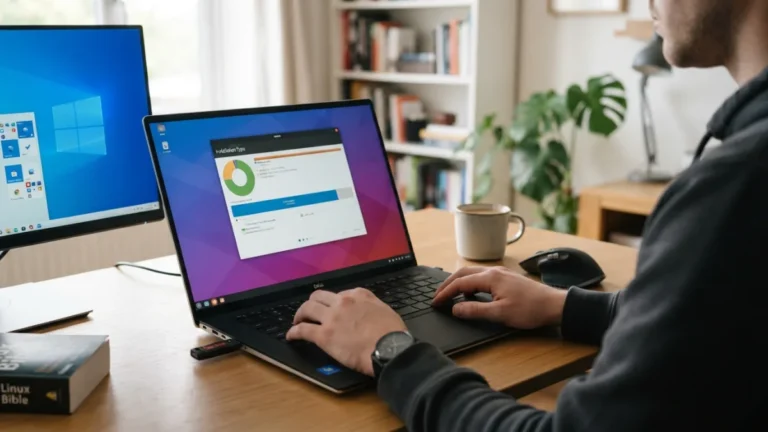
The easiest way to dip your toes in is by creating a bootable USB drive with a beginner-friendly distribution like Ubuntu or Linux Mint. This lets you run Linux directly from the USB stick without installing anything on your hard drive, so you can explore the interface risk-free. If you like what you see, most distributions offer a straightforward installation wizard that guides you through partitioning your drive or setting up alongside your existing operating system. Online communities and forums are also incredibly active, so if you get stuck, chances are someone has already asked the same question and found a solution. Curiosity and a little patience are really the only requirements to get started. This is a common part of dealing with what is linux, and it is worth keeping in mind.
Frequently Asked Questions
Is Linux completely free to use?
Yes, the vast majority of Linux distributions are free to download, install, and use, since they’re built on open source software. Some companies offer paid support services for business use, but personal use rarely costs anything. Many people run into this exact issue with what is linux at some point.
Can I run Windows programs on Linux?
Some Windows programs run on Linux through compatibility tools like Wine, and many popular apps now have Linux-native versions or web-based alternatives. However, not everything works perfectly, so it’s worth checking specific software beforehand. Keeping what is linux in mind here will save you time later on.
Do I need technical skills to use Linux?
Not anymore. Modern distributions are designed for everyday users with graphical interfaces similar to Windows or macOS. Basic computer skills are enough to get started, though learning a few terminal commands can be helpful later on. This detail matters more than it seems once what is linux comes up again.
Which Linux distribution should a beginner choose?
Ubuntu and Linux Mint are widely recommended for beginners because of their user-friendly design, large support communities, and straightforward installation process. It is one of those small things that makes what is linux easier to manage overall.
Will switching to Linux slow down my computer?
Generally, the opposite is true. Many Linux distributions are lighter on system resources than Windows, which can actually make older or slower computers feel noticeably faster. This is a common part of dealing with what is linux, and it is worth keeping in mind.
3 Comments
Comments are closed.