
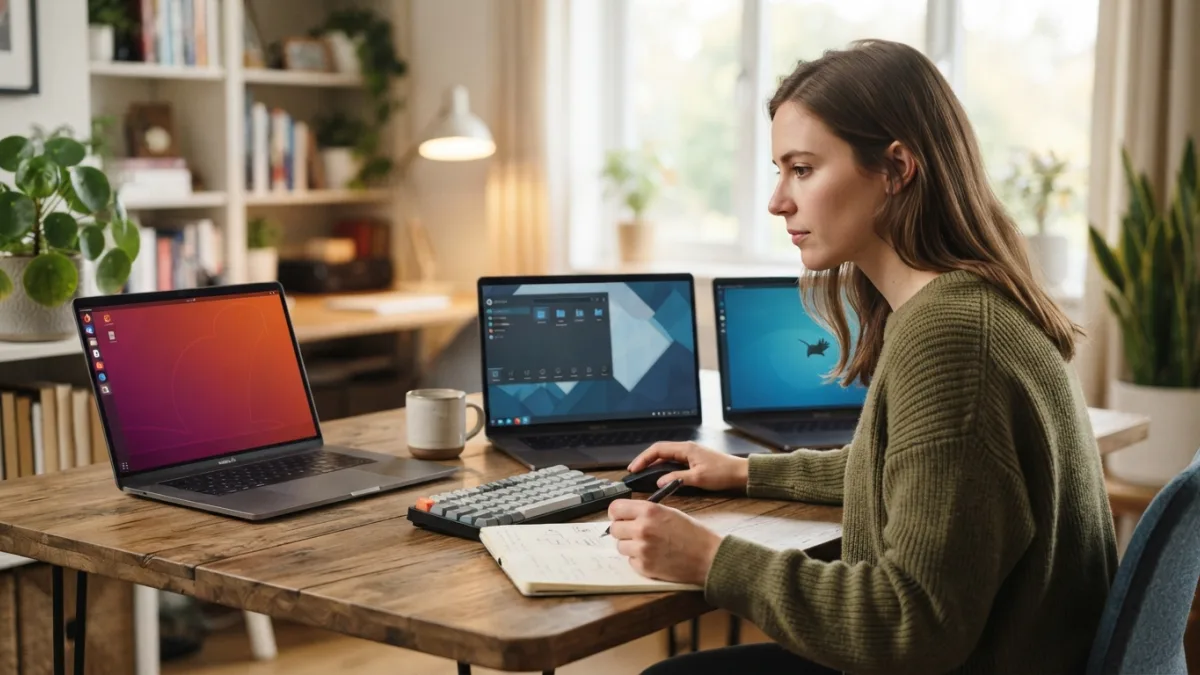
How to Choose the Right Linux Version for Beginners
Switching to a new operating system can feel intimidating, especially when you open a forum thread and see hundreds of options with strange names like Fedora, Debian, or Arch. Picking the right linux version for beginners doesn’t have to be complicated, though. With a little guidance, you can find a system that feels familiar, runs smoothly on your hardware, and gives you room to grow as you learn. This guide breaks down everything a first-time user needs to know before making that first download.
Why Choosing the Right Linux Version for Beginners Matters
Not all Linux distributions are built the same way, and that’s actually a good thing. Some are designed for developers who want total control over every setting, while others focus on simplicity and a smooth out-of-the-box experience. If you jump into a version made for advanced users, you might spend hours troubleshooting instead of actually using your computer. On the other hand, starting with a beginner-friendly linux distro means you can focus on learning the basics, exploring software, and getting comfortable with a new environment. The right starting point can be the difference between falling in love with Linux and giving up after a frustrating weekend. If you want to dig deeper, our guide on How to Install Linux Alongside Windows (Dual Boot) covers this in more detail. This is a common part of dealing with linux version for beginners, and it is worth keeping in mind.
Linux Operating System Basics You Should Know First
Before comparing distributions, it helps to understand a few linux operating system basics. Linux itself is not a single operating system but a kernel, the core piece of software that manages your computer’s hardware. Different organizations and communities build complete systems around that kernel, called distributions or “distros,” each with its own look, tools, and philosophy. Some distros update constantly with the newest software, while others prioritize stability and only update occasionally. Package managers, which handle installing and updating programs, also vary between distributions. Knowing these basics won’t make you an expert overnight, but it will help you understand why one distro feels different from another once you start comparing options. Many people run into this exact issue with linux version for beginners at some point.
What Makes a Distro Beginner-Friendly?
When you’re choosing a linux distribution for the first time, a few qualities matter more than flashy features or bragging rights among tech enthusiasts. Look for these characteristics: Keeping linux version for beginners in mind here will save you time later on.
- A graphical installer that walks you through setup step by step
- Strong community support with active forums and clear documentation
- Pre-installed drivers and codecs so common hardware and media just work
- A familiar desktop layout, especially if you’re coming from Windows or macOS
- Regular updates without requiring constant manual maintenance
A distro that checks these boxes will save you from a lot of unnecessary frustration during your first few weeks of use, and that early confidence often decides whether someone sticks with Linux long term. This connects closely with another common issue — see What Is Linux and Should You Try It? A Simple Explanation for more on that. This detail matters more than it seems once linux version for beginners comes up again.
The Best Linux Distro for Beginners: Top Picks
Several distributions have earned a reputation as the best linux distro for beginners, largely because they combine ease of use with active development and large support communities. Ubuntu is probably the most recommended option worldwide, thanks to its polished interface and huge amount of online documentation. Linux Mint takes things a step further for former Windows users, offering a start menu style layout that feels instantly familiar. Zorin OS was actually designed with newcomers in mind, offering layouts that mimic Windows or macOS depending on your preference. Pop!_OS, built by System76, is popular among people who want a clean, modern design along with solid support for gaming and creative software. It is one of those small things that makes linux version for beginners easier to manage overall.
Comparing Popular Beginner Options
Seeing these distributions side by side can make the decision easier, especially if you’re torn between two or three names you keep hearing about. The table below highlights some practical differences that matter most to new users. This is a common part of dealing with linux version for beginners, and it is worth keeping in mind.
| Distribution | Best For | Desktop Feel | Learning Curve |
|---|---|---|---|
| Ubuntu | General use, large community support | Modern, unique layout | Low |
| Linux Mint | Former Windows users | Classic start menu style | Very Low |
| Zorin OS | Users wanting a Windows or Mac feel | Customizable, familiar | Very Low |
| Pop!_OS | Gaming and creative work | Clean, modern | Low |
| Fedora | Users wanting newer software | Simple, minimal | Moderate |
Choosing a Linux Distribution Based on Your Needs
There’s no single “correct” answer when choosing a linux distribution, because the right pick depends on what you actually plan to do with your computer. If you mostly browse the web, check email, and use office software, almost any beginner-friendly option will work fine. Gamers should look into Pop!_OS or Ubuntu, since both have strong support for Steam and graphics drivers. If you own an older laptop with limited memory, a lightweight distro like Linux Mint’s XFCE edition can breathe new life into aging hardware. People interested in programming or web development might eventually appreciate Fedora’s newer software packages, though it’s still wise to start somewhere simpler and switch later once you’re more confident. You might also find our article on How to Choose Between iPhone and Android in 2026 helpful here. Many people run into this exact issue with linux version for beginners at some point.
How to Test a Distro Before Committing
One of the best things about Linux is that you don’t have to commit blindly. Most distributions offer a “live” version that runs directly from a USB drive without touching your computer’s hard disk. This lets you explore the desktop, open a few applications, and check whether your Wi-Fi and touchpad work correctly, all before installing anything permanently. Creating a bootable USB drive usually takes less than fifteen minutes using free tools like Rufus or Balena Etcher. Try two or three distros this way before deciding, since screenshots online rarely capture how a system actually feels to use day to day. This simple step alone can prevent a lot of buyer’s remorse. Keeping linux version for beginners in mind here will save you time later on.
Practical Tips for Installing Your First Linux Version
Once you’ve settled on a linux version for beginners that feels right, installation itself is usually straightforward. Back up your important files first, just in case something unexpected happens during setup. Most modern distros let you install alongside Windows in a dual-boot setup, so you don’t have to give up your current system right away. Follow the on-screen instructions carefully, especially when it comes to partitioning your drive, since this is the step where mistakes are most likely to happen. If you’re nervous, installing Linux inside a virtual machine first is a safe way to practice without any risk to your existing files or operating system. This detail matters more than it seems once linux version for beginners comes up again.
Common Mistakes New Users Should Avoid
Many newcomers run into the same avoidable problems, and knowing about them ahead of time can save you real headaches. Some people jump straight into advanced distros like Arch Linux because they read impressive reviews, only to get stuck during a complicated manual installation. Others skip testing a live USB version and are surprised when their laptop’s Wi-Fi card isn’t supported out of the box. Ignoring backups before installation is another common regret, especially when something goes wrong with partitioning. Finally, expecting every Windows program to run perfectly through compatibility layers like Wine can lead to disappointment, so it helps to check software compatibility in advance rather than assuming everything will just work. For a related walkthrough, check out How to Screen Record on a Mac (With Sound). It is one of those small things that makes linux version for beginners easier to manage overall.
Final Thoughts on Picking Your First Linux Distro
Choosing the right system doesn’t require becoming a tech expert overnight. Focus on your actual needs, test a couple of options using a live USB, and pick whichever distro feels the most comfortable to navigate. Ubuntu, Linux Mint, and Zorin OS remain solid, dependable starting points for most linux for new users scenarios, and you can always explore more advanced distributions later once you understand how everything works. Linux rewards curiosity, and the community around it is generally happy to help newcomers troubleshoot problems. Give yourself permission to experiment, make mistakes, and learn gradually rather than expecting instant mastery. This is a common part of dealing with linux version for beginners, and it is worth keeping in mind.
Frequently Asked Questions
What is the easiest Linux version for beginners to start with?
Linux Mint and Zorin OS are widely considered the easiest options because their layouts closely resemble Windows, making the transition smoother for new users. Many people run into this exact issue with linux version for beginners at some point.
Do I need to know how to code to use Linux?
No. Modern beginner-friendly distros come with graphical tools for almost everything, so you can install software, manage files, and adjust settings without ever touching the command line. Keeping linux version for beginners in mind here will save you time later on.
Can I try Linux without deleting Windows?
Yes. You can run a live USB version to test it temporarily, or set up a dual-boot system that lets you choose between Windows and Linux each time you start your computer. This detail matters more than it seems once linux version for beginners comes up again.
Will all my old Windows programs work on Linux?
Not always. Many popular programs have Linux alternatives, and tools like Wine can run some Windows software, but it’s worth checking compatibility before switching completely. It is one of those small things that makes linux version for beginners easier to manage overall.
How much computer knowledge do I need before switching to Linux?
Basic familiarity with using a computer is enough. Beginner-friendly distros are designed so that anyone comfortable with everyday tasks like browsing and installing apps can adapt within a few days.

One Comment
Comments are closed.