
Simple Tech Guides for Android, iPhone, Windows, Mac & Linux
Clear, step-by-step fixes and tips for the devices you use every day. No jargon, no stress.
Choose Your Device
Pick your system and find the guide you need.
Android
Fix crashes, free up storage, solve Wi-Fi problems, and set up your phone the right way.
iPhone & iOS
Resets, backups, hidden settings, and fixes for the most common iPhone problems.
Windows
Startup issues, blue screens, sound and Bluetooth fixes, and new PC setup tips.
Latest Guides
iPhone Is Disabled: 5 Easy Ways to Fix It and Get Back In
You pick up your phone, type what you think is your passcode, and a message you hoped never to see appears: iPhone is disabled, connect to iTunes. Your stomach drops. Every photo, message, and contact suddenly feels locked behind a door with no key. Take a breath. This problem is common, and you can usually…
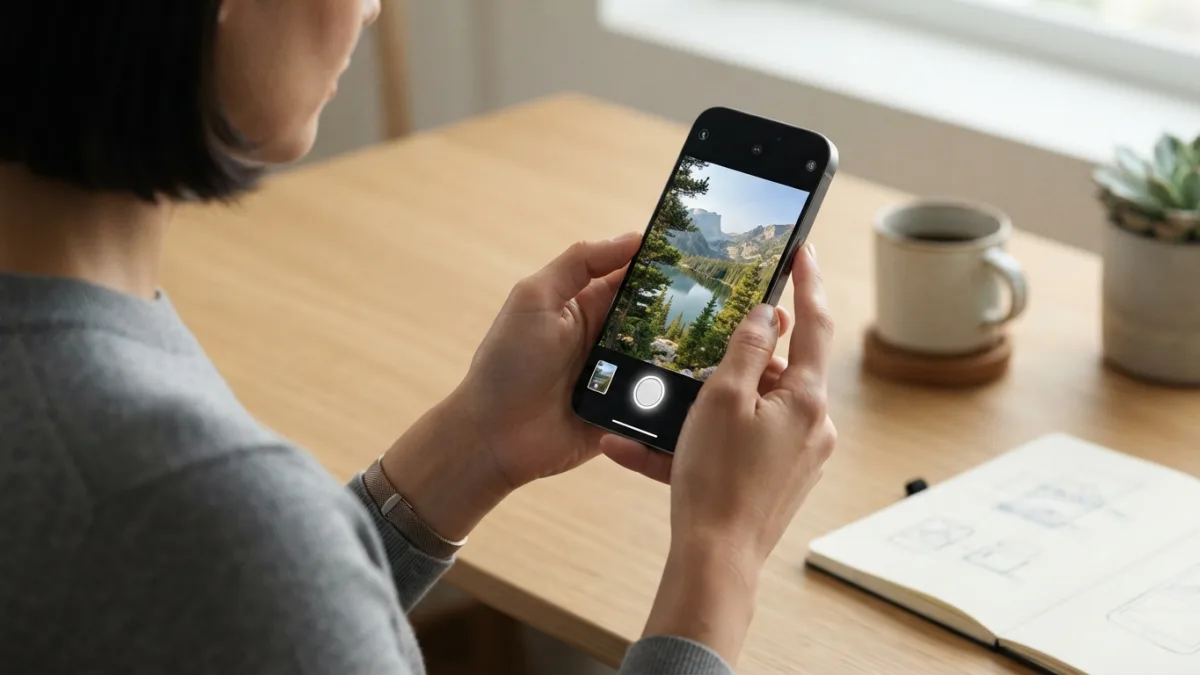
Screen Record on iPhone With Sound: 5 Easy Methods
You are watching a clip you want to save, or helping a relative fix a setting, and you wish you could just show them. Good news: you can screen record on iPhone in a few taps, and the video can include sound. Apple builds the tool right into iOS, so you do not need to…
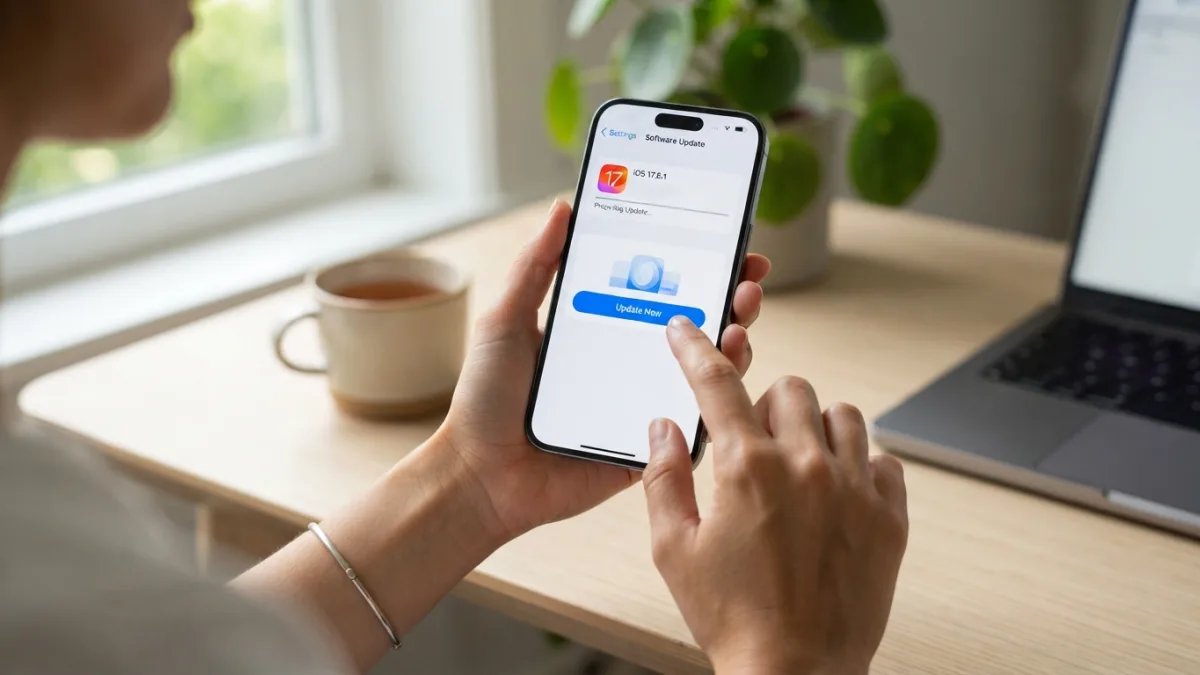
Update Your iPhone: 7 Easy Steps to Get the Latest iOS
Your iPhone has probably flashed an update reminder at the worst possible moment, like right as you were heading out the door. Most of us tap “Later” and move on. Here’s why you should stop doing that: when you update your iPhone, you get security patches, bug fixes, and often new features that make the…
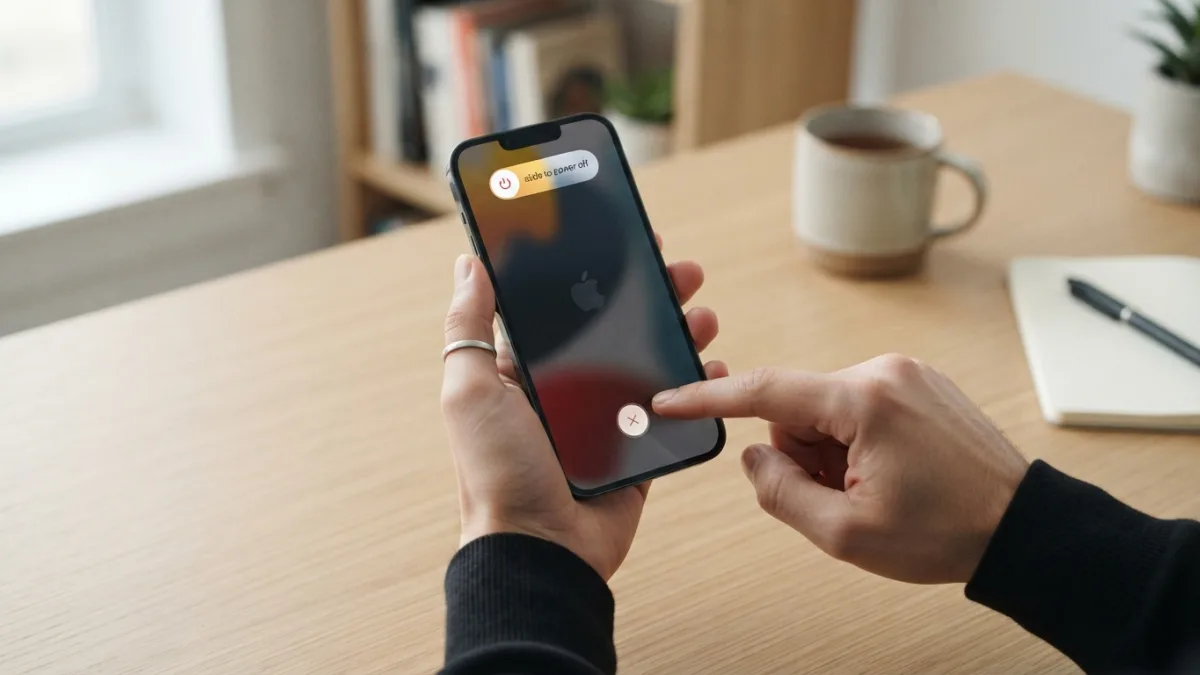
Reset Your iPhone: 7 Easy and Safe Steps for Beginners
Your screen freezes in the middle of an important call. You tap, swipe, and press every button, but nothing happens. Before you panic, know this: you can often reset your iPhone in less than a minute, and you rarely lose data if you choose the right method. The trick is matching the fix to the…
Screenshot on iPhone: 5 Easy Methods for Every Model
A boarding pass pops up. A friend sends the perfect meme. A store shows a discount code that expires in an hour. You want to keep it, and you want to keep it now. That is when a screenshot on iPhone becomes the fastest tool in your pocket. Apple gives you more than one way…
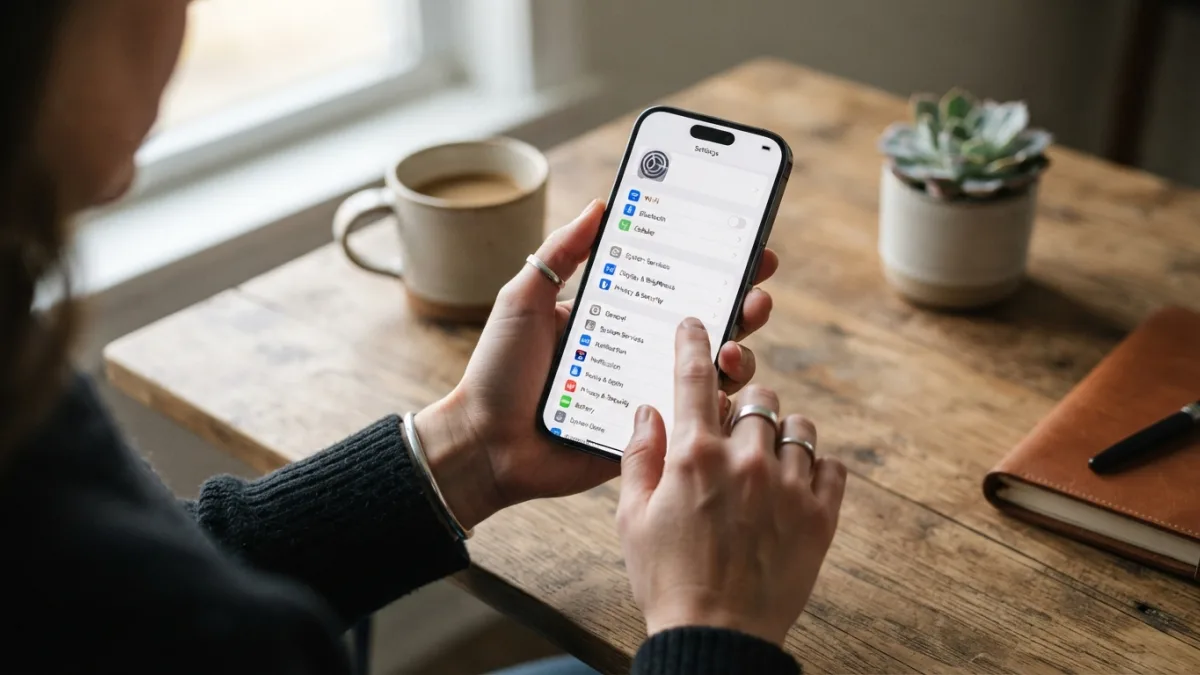
Hidden iPhone Settings: 8 Amazing Tweaks You Should Try
You use your iPhone all day, yet some of its most helpful tricks sit in menus you almost never open. Hidden iPhone settings can save you time, protect your personal data, and help your phone last longer between charges. Apple does not bury them on purpose. The problem is simple: iOS has hundreds of options,…

Simple
Short steps and plain words. If we use a technical term, we explain it.
Safe
We favor methods that protect your data and warn you before anything risky.
Practical
Every guide has a clear goal, numbered steps, and answers to common questions.
Can’t find the answer you need?
Tell us what problem you’re facing and we’ll consider it for a future guide.